Quadratic Formula Examples: Roots and Discriminant
Understand the formula, the discriminant, and signs that often cause wrong answers.
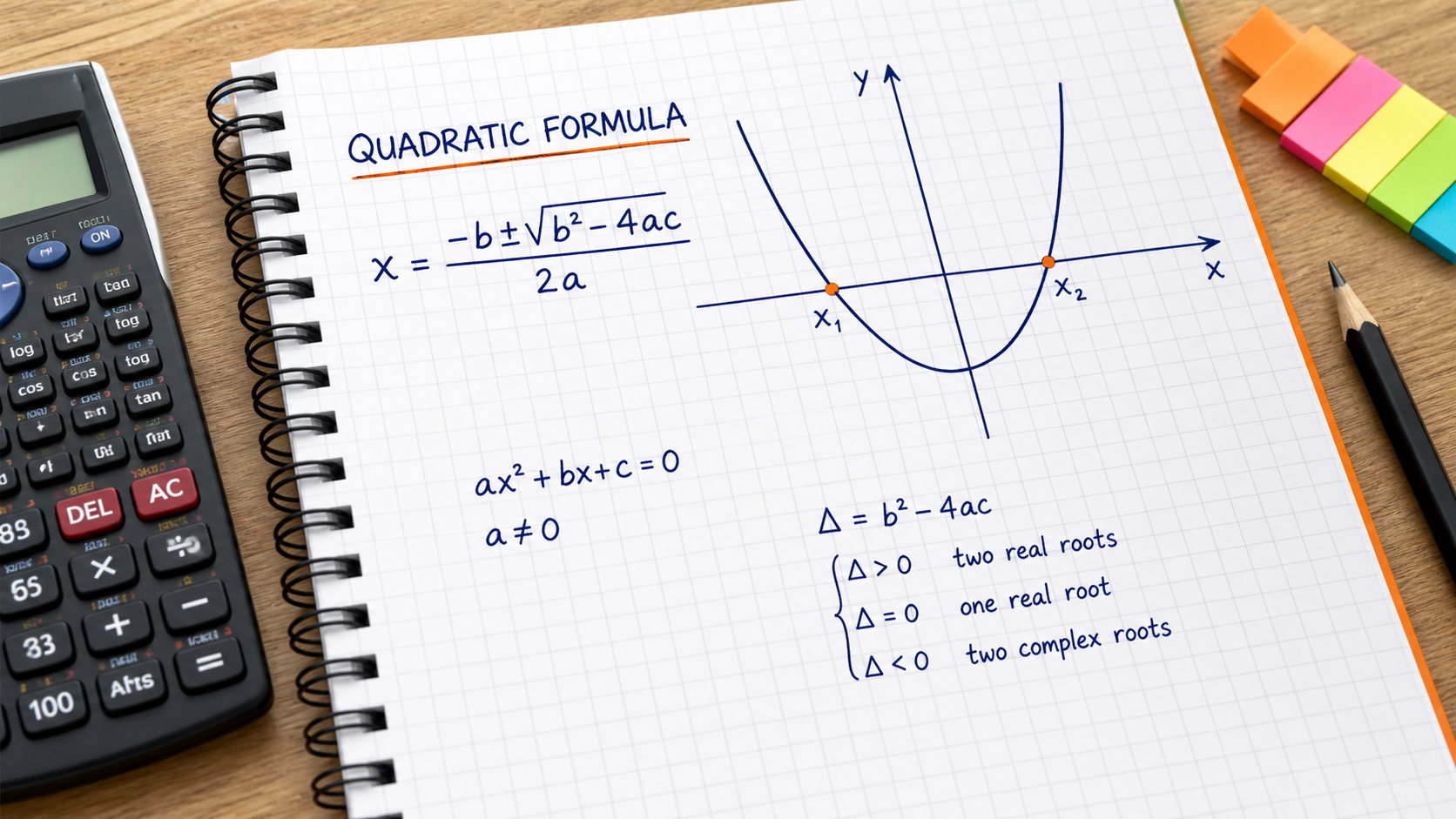
Quick Answer
x = (−b ± √(b² − 4ac)) / (2a), a ≠ 0When to Use This
The quadratic formula solves equations written as ax² + bx + c = 0. Move every term to one side before reading a, b and c. The discriminant, b² - 4ac, tells you how many distinct real roots to expect.
Step-by-Step Method
- Put the equation in standard form and record signed coefficients.
- Calculate the discriminant D = b² - 4ac.
- Evaluate both the plus and minus branches using the denominator 2a.
- Substitute both roots into the original polynomial.
Calculator Tips and Limits
- Use the coefficient fields in the linked quadratic solver, not a prose description of the equation.
- D > 0 gives two distinct real roots, D = 0 one repeated root, and D < 0 no real roots.
Worked Examples
Two roots with different signs
For 2x² - 3x - 2 = 0, a = 2, b = -3 and c = -2. D = (-3)² - 4 × 2 × (-2) = 25. Thus x = (3 ± 5)/4, giving x = 2 or x = -0.5. Substitution gives zero for either root.
A repeated root
For x² - 6x + 9 = 0, D = 36 - 36 = 0. Both formula branches give 6/2 = 3. This agrees with (x - 3)² = 0.
Common Mistakes
Using b instead of minus b
Here b is -3, so -b is positive 3. Keep parentheses around signed coefficients.
Dividing only the square root by 2a
The entire numerator, -b plus or minus the square root, must be divided by 2a.
FAQ
What if a is zero?
The equation is not quadratic. Solve the remaining linear equation instead.
What does a negative discriminant mean?
There are no real roots. For example x² + 1 = 0 has complex roots i and -i; real-number square-root arithmetic alone cannot produce them.
References and corrections
OpenStax: Algebra and Trigonometry 2e — further reading. The worked examples on this page are CalcSolver explanations. Read our calculation and correction method, or report an error with the input and expected result.