Percentage Increase and Decrease Explained
See how growth and discount problems use the same percent-change idea.
Quick Answer
new = old × (1 + p/100) for increase; old × (1 − p/100) for decreaseWhen to Use This
Use a growth factor when the rate is known and you want the new amount. This is different from finding an unknown percentage change from two amounts. Successive increases and decreases apply to the current amount each time.
Step-by-Step Method
- Write the original positive amount and the stated rate.
- Add the decimal rate to 1 for growth, or subtract it from 1 for a reduction.
- Multiply the original amount by that factor.
- For another change, use the previous result as the new base.
Calculator Tips and Limits
- The linked increase tool compares old and new values; first compute the changed amount using the factor shown here.
- Use the decrease calculator for the reverse comparison when the new amount is smaller.
Worked Examples
Equal rates do not cancel
Start at 200. Increasing by 10% gives 200 × 1.10 = 220. Decreasing that result by 10% gives 220 × 0.90 = 198. The combined factor is 0.99, a net 1% loss from the original 200.
Recovering from a loss
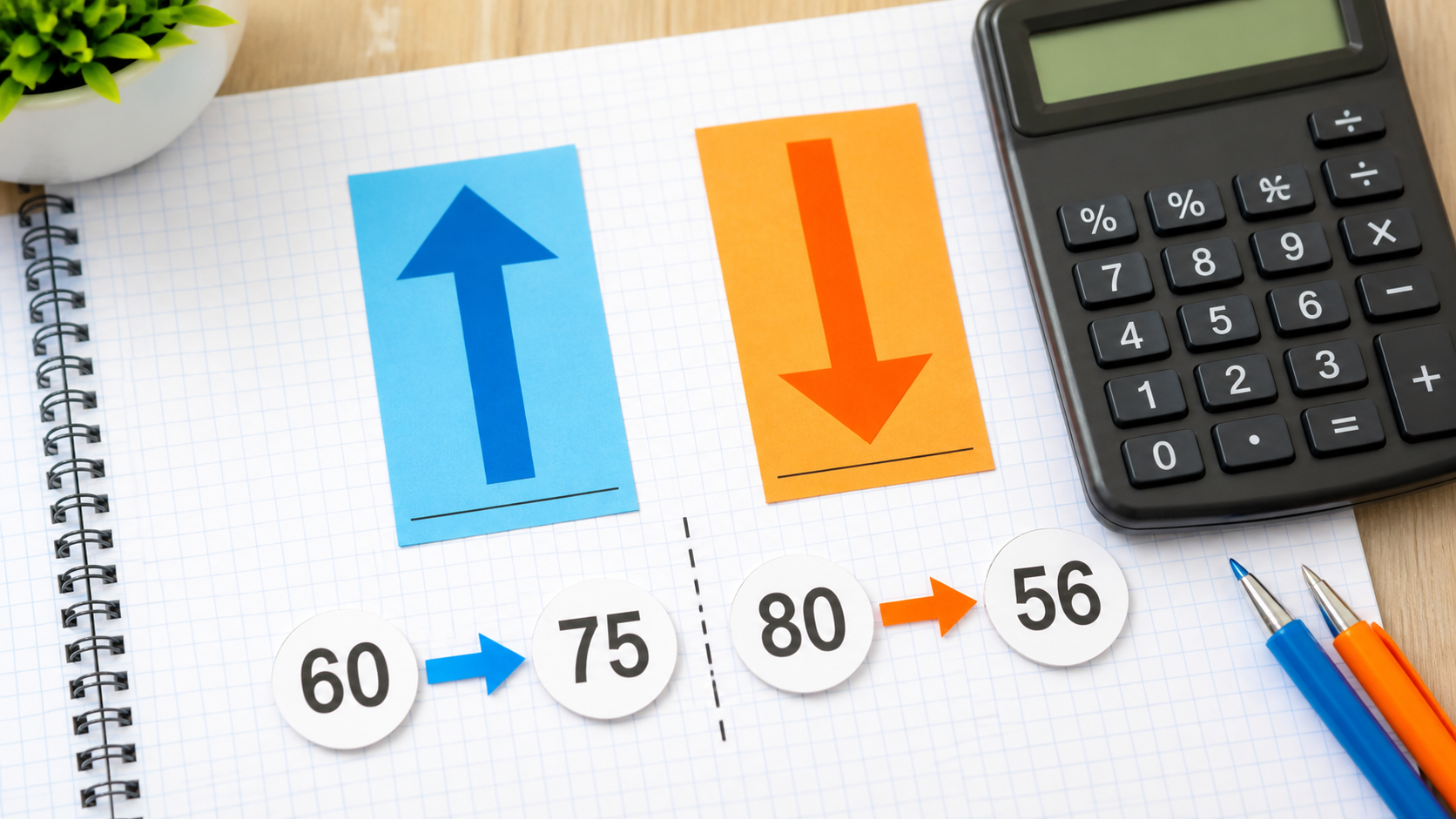
After a 20% reduction, 100 becomes 80. Returning to 100 requires a gain of 20/80 = 0.25, or 25%, not 20%.
Common Mistakes
Adding rates for successive changes
The second rate usually acts on a different base. Multiply factors to preserve that change.
Using a reduction above 100% for an ordinary price
The factor would be negative. A negative price is usually a sign that the intended pricing model has been misunderstood.
FAQ
Why does a 10% reduction not undo a 10% increase?
The reduction is taken from the larger amount. In the example, the increase is 20 but the reduction is 22.
How do I compare the original and final amounts?
Use (final - original)/original × 100 for a nonzero original value. For 198 and 200 this is -1%.
References and corrections
OpenStax: Prealgebra 2e — further reading. The worked examples on this page are CalcSolver explanations. Read our calculation and correction method, or report an error with the input and expected result.