Log vs Ln: When to Use Each on a Calculator
Use common log and natural log correctly with examples for science, algebra, and growth problems.
Quick Answer
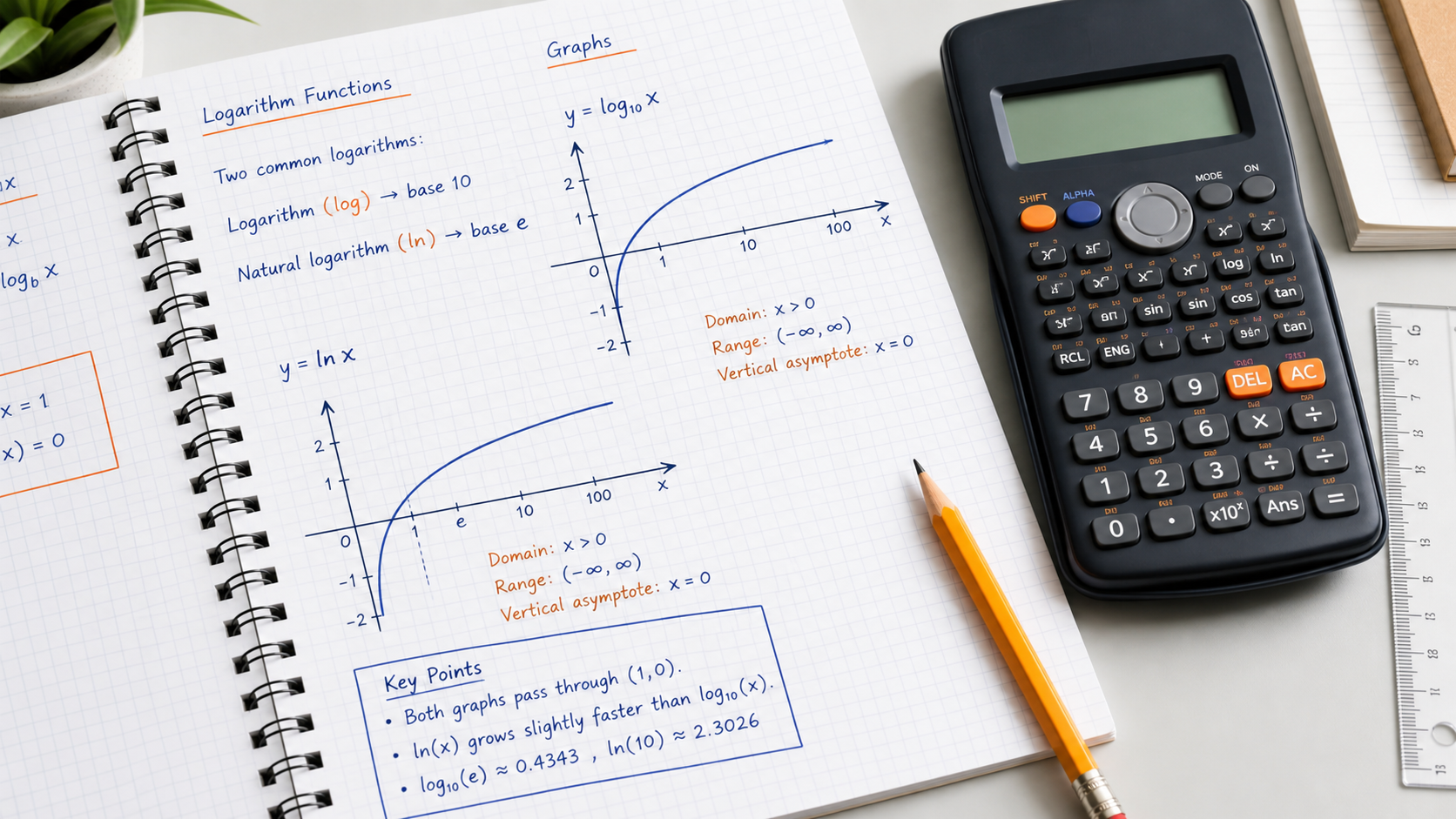
log₁₀(x) = y means 10ʸ = x; ln(x) = y means eʸ = xWhen to Use This
A logarithm answers an exponent question. Use base 10 when the model or equation is built around powers of 10. Use the natural logarithm for powers of e. The two functions act on the same positive inputs but normally produce different outputs.
Step-by-Step Method
- Read the requested base rather than choosing by habit.
- Confirm that the logarithm input is positive for a real-valued result.
- Enter the full input in parentheses, such as ln(1.08).
- Raise the base to the result to verify the logarithm.
Calculator Tips and Limits
- The logarithm tool lets you choose a base. If using the scientific keypad, log means base 10 and ln means base e.
- For another base b, use ln(x)/ln(b), with b > 0 and b ≠ 1.
Worked Examples
A power of ten
log(1000) = 3 because 10³ = 1000. In contrast, ln(1000) is about 6.907755. These are not inconsistent: the bases are different.
Change of base
To find log₂(8), calculate ln(8)/ln(2). The result is 3, verified by 2³ = 8. Also ln(1) = 0, since e⁰ = 1.
Common Mistakes
Taking a real log of zero
There is no finite real y with 10ʸ = 0. An error is expected for log(0), not a result of zero.
Reading ln as a reciprocal
ln(x) does not mean 1/log(x). It names a logarithm with a different base.
FAQ
Why is the base not allowed to equal 1?
Every power of 1 is 1, so it cannot encode a unique exponent for arbitrary inputs.
Can a logarithm answer be negative?
Yes. log(0.01) = -2 because 10⁻² = 0.01. The input stays positive even though the answer is negative.
References and corrections
OpenStax: Algebra and Trigonometry 2e — further reading. The worked examples on this page are CalcSolver explanations. Read our calculation and correction method, or report an error with the input and expected result.